Forms
Click on the active form in the Tree to open it. See the topics below to learn about form features.
Form Name
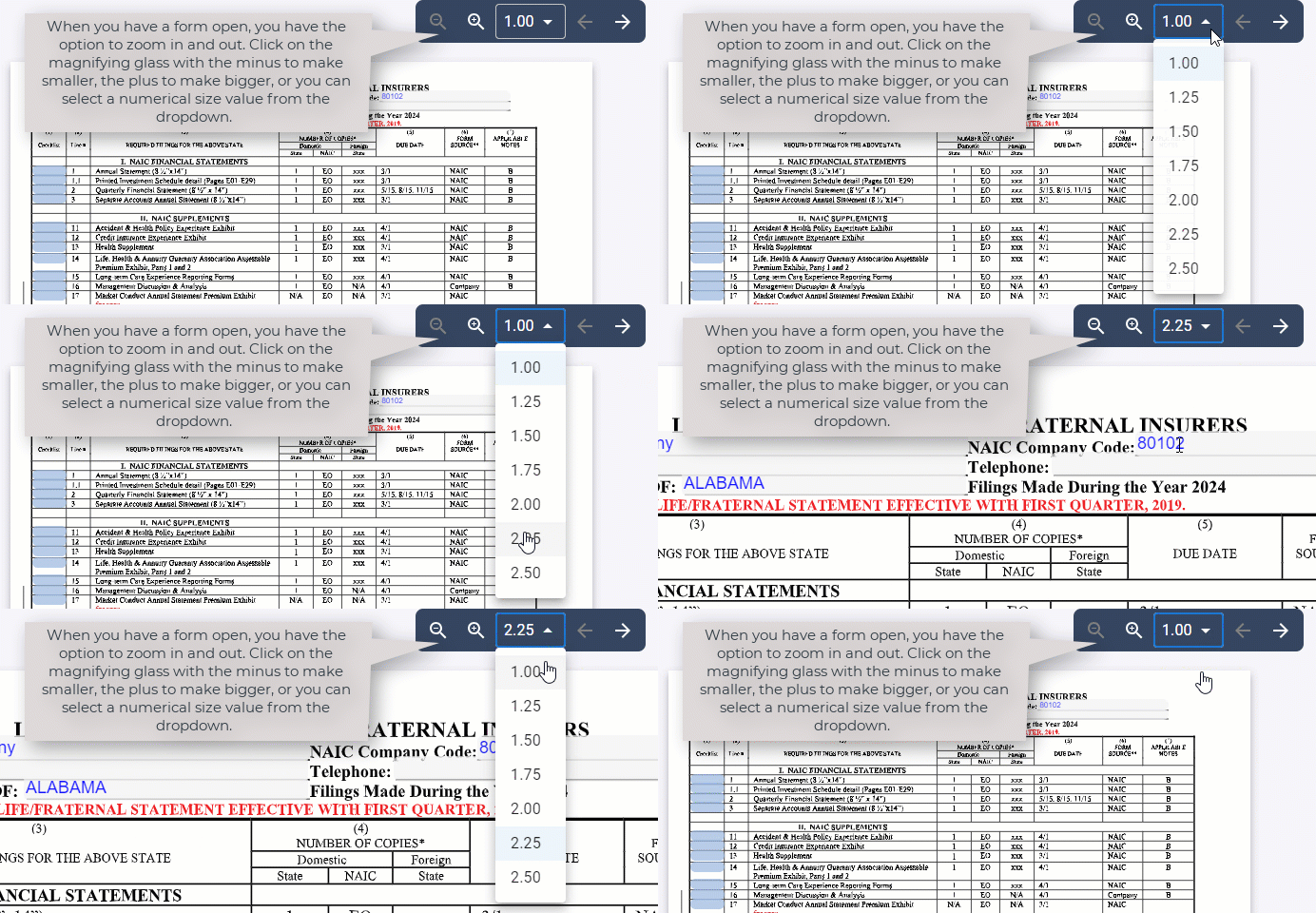
When you open a form, the name of the form will be located at the top of the page. To the right, you have the option to zoom in or out based on your preference, as well as click through the pages of the form using forward/backward arrows.
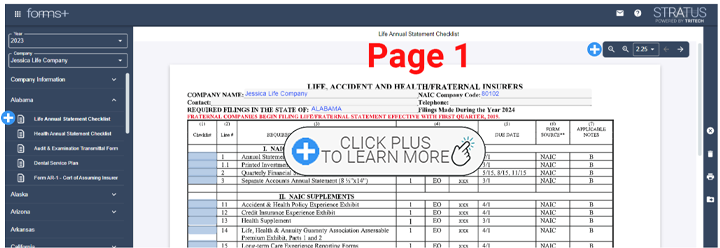
Zoom
Forms with Return Instructions
Forms that have Return Instructions will have an additional icon info icon on the toolbar. Click this icon to view, and a new window will open to display the Return Instructions. See more about icons here.
Related Articles
Was this helpful?